ParkCalc DMS Demo - User Guide
Welcome to the ParkCalc DMS (Document Management System) Demo application. This system is designed to streamline the sales, proposal, and project management workflow for a specialized parking systems company.
What is this Application?
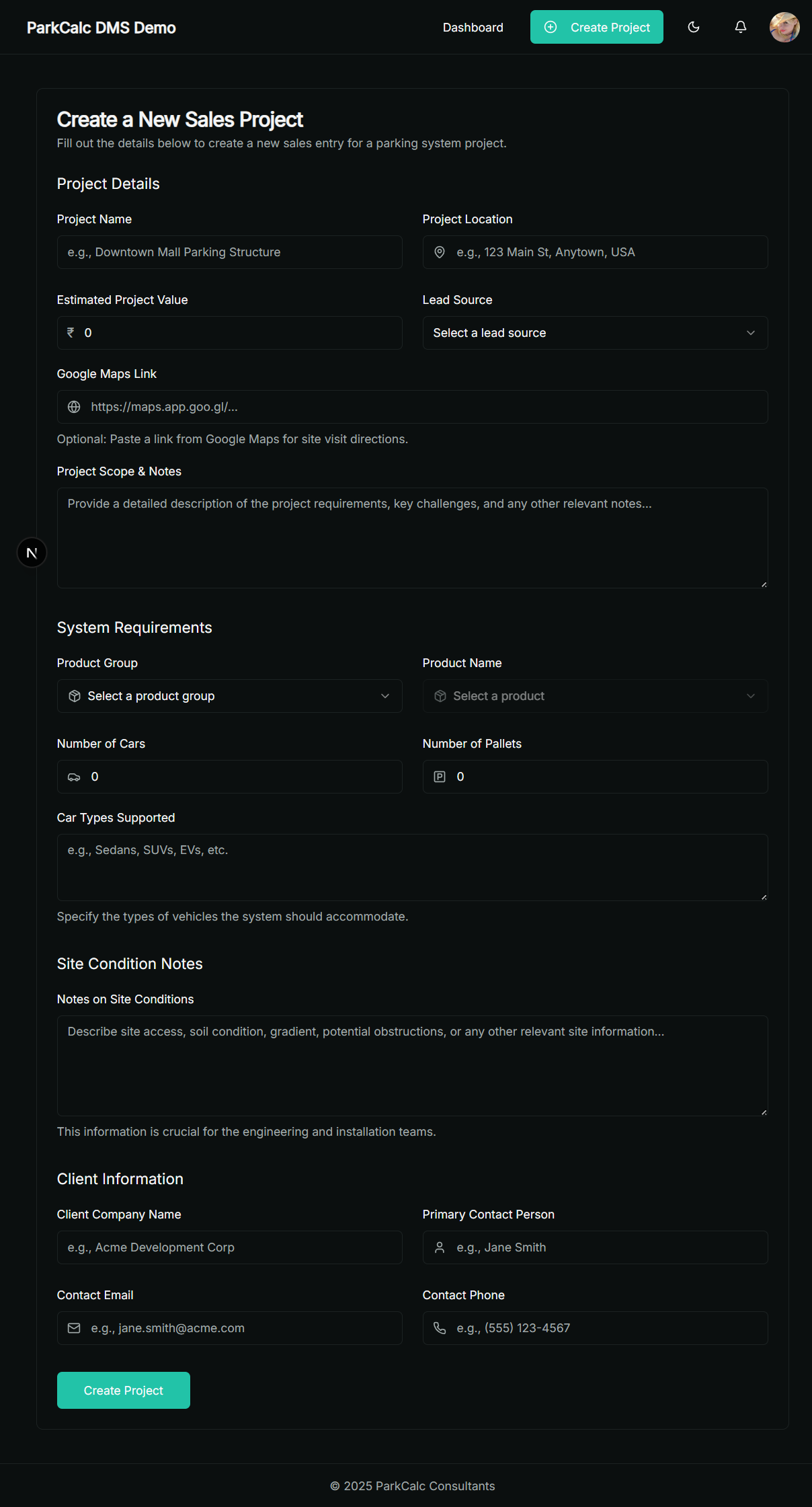
This is a central hub where different departments can collaborate on new sales projects from start to finish. It ensures that all project information, discussions, drawings, and documents are organized in one place, providing a single source of truth for everyone involved.
How It Works: The Project Lifecycle
1. Project Creation & Collaboration
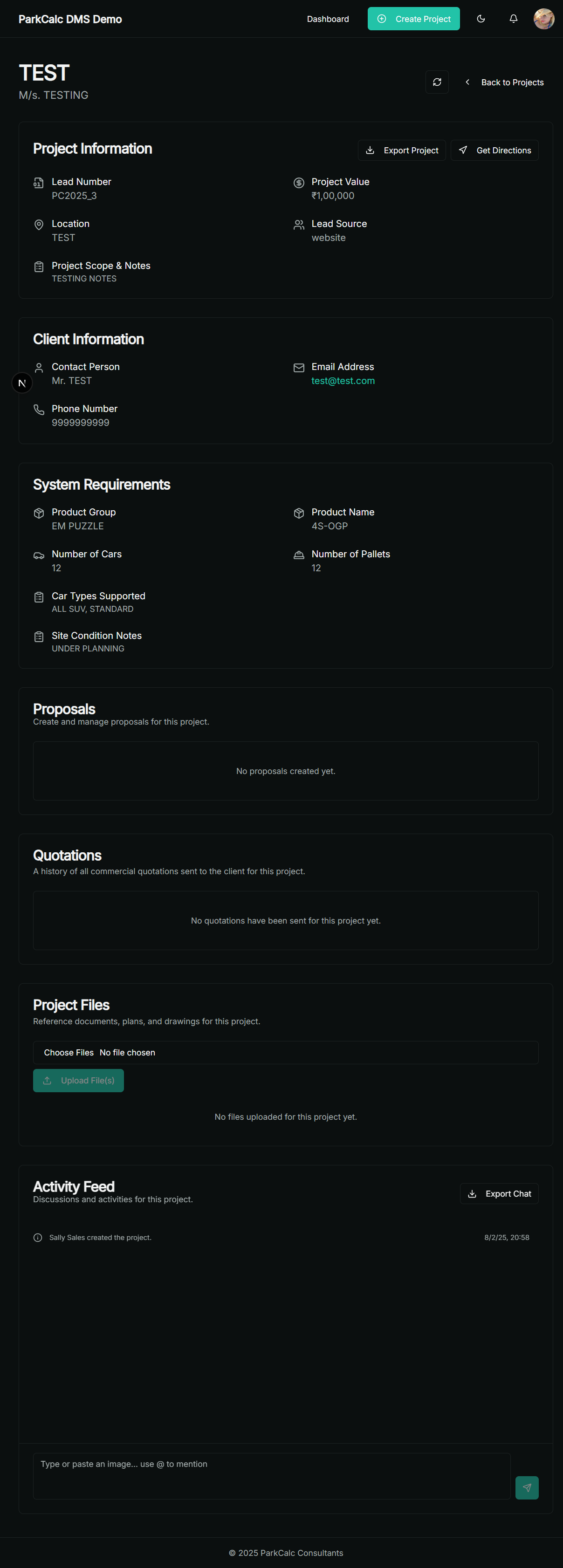
A sales team member initiates a project, which creates a dedicated page. This page features an Activity Feed where teams from Sales, Design, and more can chat, share files, and receive automated updates in real-time.
- Tag users with @mentions for notifications.
- Share important documents and site photos.
- Track project milestones automatically.
2. Proposal Stage
The proposal and design teams collaborate to build technical proposals, adding system configurations and attaching CAD drawings. Once complete, the proposal is submitted for internal review.
3. Quotation Stage
The sales team generates a commercial quotation from an approved proposal, inputs pricing, and can then export it as a professional Excel sheet to send to the client.
Key Features for Users
- Role-Based Access: Different permissions for Sales, Admins, and Designers.
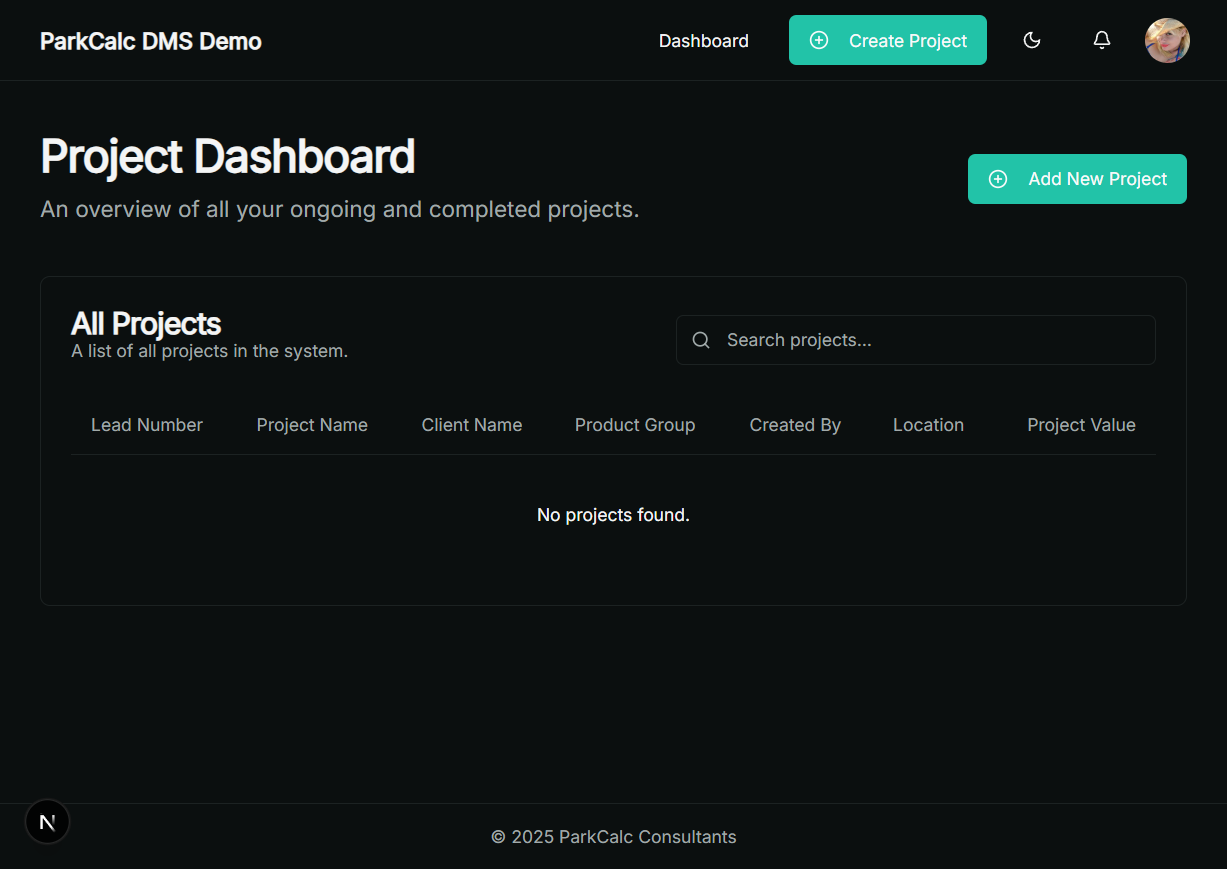
- Centralized Dashboard: See all active projects at a glance.
- Real-time Notifications: Stay updated with mentions and project alerts.
- Secure & Organized: All project data in one place, preventing information loss.
- Export Functionality: Easily export data to Excel for reporting or client delivery.